qihaiyan
 A common way to build an AI chat UI is a React or Vue frontend project built and bundled with npm, hooked up to the backend’s streaming API. With htmx and Thymeleaf, however, you can achieve a ChatGPT-like typewriter effect with pure server-side rendered HTML fragments — no frontend framework, no npm build. This post shows how to build a streaming chat UI with multi-turn conversation memory using Spring AI combined with HTMX and Alpine.js.
The complete code is available in the example project https://github.com/qihaiyan/springcamp/tree/main/spring-ai-htmx-chat
1. Overview
htmx is a lightweight library that performs ajax requests and partial HTML swaps through HTML attributes. htmx 4 was rewritten on top of fetch, and its built-in sse extension can consume text/event-stream responses returned by ordinary requests directly, treating each SSE message as one partial HTML swap — a perfect match for the streaming output of LLMs. Alpine.js is a declarative, lightweight frontend library that handles purely client-side interaction logic such as input and button states.
The responsibilities in this project are cleanly separated: htmx handles the data channel, Alpine.js handles client state, Thymeleaf renders HTML fragments, and Spring AI handles model calls and conversation memory — four concerns, none of them coupled. The implemented features include:
- AI answers stream into the page token by token over SSE, with a typing animation
- Multi-turn conversations with context memory, isolated by conversation id
- One-click new conversation that also clears the server-side memory
- A built-in demo mode with a local fake model, so the full flow can be experienced without an API key
2. Project Dependencies and Configuration
Add the Spring AI DeepSeek starter and the Thymeleaf starter; the whole module has only three dependencies:
dependencies {
    implementation 'org.springframework.ai:spring-ai-starter-model-deepseek'
    implementation 'org.springframework.boot:spring-boot-starter-web'
    implementation 'org.springframework.boot:spring-boot-starter-thymeleaf'
}
The Thymeleaf starter does more than render pages here: the controller also injects the TemplateEngine directly to render HTML fragments inside the endpoint, returning them as the content of SSE messages.
The model configuration is the same as in the earlier spring-ai-deepseek example, and the API key can be injected through an environment variable:
spring.ai.deepseek.api-key=${DEEPSEEK_API_KEY:<your-api-key>}
spring.ai.deepseek.chat.model=deepseek-v4-flash
spring.ai.deepseek.chat.temperature=0.7
As for frontend assets, htmx and Alpine.js are both loaded from a CDN with no npm build involved. The styles are a hand-written CSS file, and the whole static directory does not contain a single line of custom JavaScript.
3. Configuring the ChatClient and Conversation Memory
The key to multi-turn conversations is that the server must remember the previous conversation content. Spring AI provides the ChatMemory abstraction; we use the in-memory sliding-window implementation, keeping the most recent 20 messages per conversation:
@Bean
public ChatMemory chatMemory() {
    return MessageWindowChatMemory.builder().maxMessages(20).build();
}

@Bean
public ChatClient chatClient(ChatClient.Builder builder, ChatMemory chatMemory, Environment env) {
    ChatClient.Builder target = env.acceptsProfiles(Profiles.of("demo"))
            ? ChatClient.builder(demoChatModel())
            : builder;
    return target
            .defaultSystem("你是 springcamp 示例项目的 AI 助手,请用简洁准确的中文回答问题。")
            .defaultAdvisors(MessageChatMemoryAdvisor.builder(chatMemory).build())
            .build();
}
With MessageChatMemoryAdvisor attached to the ChatClient through defaultAdvisors, the memory capability applies globally to all requests: on every question, the advisor automatically assembles the conversation’s history into the prompt, and the model’s answer is automatically stored back into memory.
So that the project can run the complete flow without an API key, we implemented a fake model for demo mode that replaces the real DeepSeek model under the demo profile:
@Override
public Flux<ChatResponse> stream(Prompt prompt) {
    String reply = demoReply(prompt);
    return Flux.fromStream(reply.codePoints().mapToObj(cp -> new String(Character.toChars(cp))))
            .delayElements(Duration.ofMillis(40))
            .map(ChatConfig::chatResponse);
}
The fake model streams a fixed reply character by character by code point, 40 milliseconds apart, simulating real token-by-token streaming. Splitting by code point rather than by char is for Chinese safety, so that supplementary characters such as emoji are not broken into garbled output.
4. Streaming Chat in a Single Endpoint
The whole chat uses a single endpoint: POST /chat returns an SSE stream that serves two purposes — the first message is an HTML fragment for the page, and every message after that is a token of the AI answer:
@PostMapping(produces = MediaType.TEXT_EVENT_STREAM_VALUE)
@ResponseBody
public Flux<ServerSentEvent<String>> chat(@RequestParam String message, @RequestParam String conversationId) {
    String answerId = "ans-" + UUID.randomUUID().toString().replace("-", "").substring(0, 12);

    Context context = new Context(null, Map.of("message", message, "answerId", answerId));
    String skeleton = templateEngine.process("fragments/chat", Set.of("div.exchange"), context);

    StringBuilder answer = new StringBuilder();
    return Flux.concat(
            Flux.just(textEvent(skeleton)),
            chatClient.prompt()
                    .user(message)
                    .advisors(a -> a.param(ChatMemory.CONVERSATION_ID, conversationId))
                    .stream()
                    .content()
                    .map(ChatController::escapeHtml)
                    .onErrorResume(ex -> Flux.just("\n\n⚠️ AI 调用失败:" + escapeHtml(rootMessage(ex))))
                    .doOnNext(answer::append)
                    .map(token -> partialEvent(answerId, answer.toString())));
}
The return value of this endpoint joins two streams with Flux.concat. The first stream has a single message: the skeleton of one conversation exchange rendered with the TemplateEngine. The second argument of the process method is a markup selector, so the fragment specified in fragments/chat.html can be rendered directly by CSS selector, bypassing the usual controller-returns-view-name routing.
The second stream is the LLM’s streaming output, with a few notable details. The conversation id is passed per request through the ChatMemory.CONVERSATION_ID parameter, so a single ChatMemory bean can isolate multiple conversations by id. Since htmx swaps the SSE data into the page as HTML, every token output by the model must first be escaped with escapeHtml, and the escaping happens before doOnNext(answer::append), guaranteeing that the accumulated text is escaped too. When a call fails, onErrorResume appends the root-cause error message into the stream, so the error is rendered inside the chat bubble as well.
The content of each subsequent SSE message is an <hx-partial> fragment:
private static ServerSentEvent<String> partialEvent(String answerId, String html) {
    return ServerSentEvent.<String>builder()
            .data("<hx-partial hx-target=\"#" + answerId + "\" hx-swap=\"innerHTML\">" + html + "</hx-partial>")
            .build();
}
hx-partial is a new element in htmx 4 that performs targeted replacement within an SSE stream; here the replacement target is the id of the AI bubble. Note that every token pushes the full accumulated text, replacing the whole block rather than appending incrementally — naturally immune to SSE message reordering or loss.
In addition, the endpoint provides a DELETE method that clears the server-side memory by conversation id, complementing the frontend’s “new conversation” feature:
@DeleteMapping
@ResponseBody
public void clear(@RequestParam String conversationId) {
    chatMemory.clear(conversationId);
}
5. The Page and Interactions
The heart of the chat page is this form: htmx sends the request, Alpine.js manages the interaction state:
<form class="composer" hx-ext="sse" hx-post="/chat" hx-target="#messages" hx-swap="beforeend"
      @htmx:before:request="start()"
      @htmx:finally:request="sent()"
      @htmx:sse:error.window="busy = false">
    <input type="hidden" name="conversationId" :value="conversationId">
    <textarea name="message" x-ref="input" x-model="input" rows="1"
              placeholder="输入消息,Enter 发送…" @keydown.enter="onEnter($event)"></textarea>
    <button type="submit" class="btn-send" :disabled="!canSend" :class="{ sending: busy }">
        <span x-text="busy ? '回答中…' : '发送'">发送</span>
    </button>
</form>
On the form, hx-ext="sse" enables the sse extension and hx-post submits the form, with the response consumed as an SSE stream. The conversation id is generated in the browser with crypto.randomUUID() and submitted with the form through a hidden field.
The skeleton fragment for one conversation exchange is defined in fragments/chat.html — the template rendered by the endpoint in section 4:
<div th:fragment="exchange(message, answerId)" class="exchange">
    <div class="message user">
        <div class="bubble" th:text="${message}">用户消息</div>
    </div>
    <div class="message assistant">
        <div class="bubble">
            <span class="bubble-text" th:id="${answerId}">
                <span class="typing-dots"><i></i><i></i><i></i></span>
            </span>
        </div>
    </div>
</div>
The user bubble is output through th:text, which is naturally XSS-safe. The AI bubble initially contains a three-dot typing animation and carries a unique id generated by the server; when the first token arrives, it is replaced by the innerHTML of the hx-partial, so the typing animation disappears naturally without any extra JavaScript control.
The Alpine.js component listens to htmx events to drive the UI state:
function chatApp() {
    return {
        busy: false,
        input: '',
        conversationId: crypto.randomUUID(),

        start() {
            this.busy = true;    // Lock the send button
            this.input = '';     // Clear the input box
        },
        sent() {
            this.busy = false;   // Unlock only after the SSE stream ends
        },
        scrollBottom() {
            const box = document.getElementById('messages');
            box.scrollTo({ top: box.scrollHeight, behavior: 'instant' });
        },
        newChat() {
            const old = this.conversationId;
            this.conversationId = crypto.randomUUID();
            this.count = 0;
            this.busy = false;
            this.input = '';
            document.querySelectorAll('#messages .message').forEach(n => n.remove());
            fetch('/chat?conversationId=' + encodeURIComponent(old), { method: 'DELETE' });
        }
    }
}
There is an htmx 4 detail here: with the default configuration, the htmx:finally:request event of an SSE response fires only after the stream has completely finished, so the busy lock naturally covers the entire answering process — no duplicate submissions during streaming, and no need to manage the connection’s open and close manually.
6. Running and Verifying
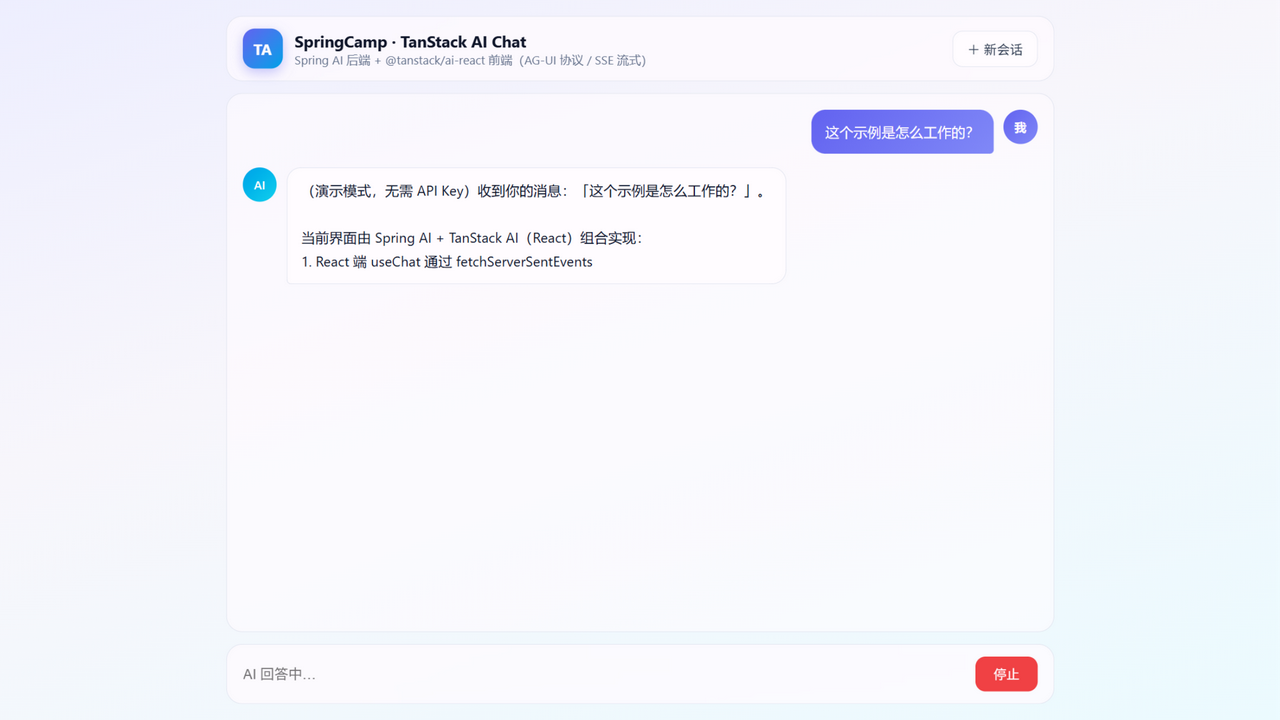
Experiencing the full interaction requires no API key: start with demo mode, and the AI answers on the page are streamed character by character by the built-in fake model:
./gradlew :spring-ai-htmx-chat:bootRun --args='--spring.profiles.active=demo'
To connect a real LLM, just configure the API key and start normally:
./gradlew :spring-ai-htmx-chat:bootRun
Open http://localhost:8080 in a browser, ask any question, and you can see the answer flow out character by character like typing. Follow up with “What did I just ask?”, and the model answers correctly from the context, showing that the multi-turn memory works. After clicking “New conversation”, the context is cleared and a brand-new conversation begins.
The project’s tests also need no real API key: in the integration tests, @MockitoBean replaces the DeepSeekChatModel, stubbing the streaming output with two fixed segments, and the test then asserts that the SSE response contains, in order, the conversation skeleton and the token-by-token accumulated hx-partial fragments. The entire frontend-backend interaction chain can be verified in CI.
 Implementing an MCP Server with Spring AI